Microsoft Azure Account Setup
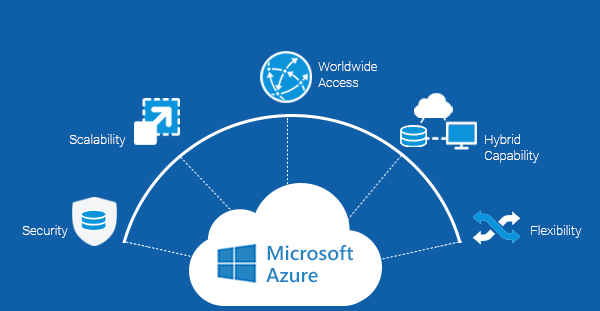
To run big data from Wiktionary, I will need Azure to build and test our NLP++ parser and analyzer on Cloud. Therefore, I signed up for a free account on Azure using the following link:
I also received $200 credit through that account that I will be using later while working on building and testing our NLP++ analyzers.
Pre-processing Training Data
We planned to start with small data to parse and run the NLP++ analyzer. Therefore, I am using the following data as training data:
First, I downloaded the HTML source file of the above webpage. Then, I cleaned the data by deleting extra HTML codes for layout, menus, and paragraphs. With this, the only remaining data is the table having 1000 most common Nepali words. The next step will be to write rules on NLP++, parse the words from the table, and put them in a format that will be used to run the NLP++ analyzer on it. The cleaned version of training data is saved in the .txt file.
 Nepali NLP Initiative